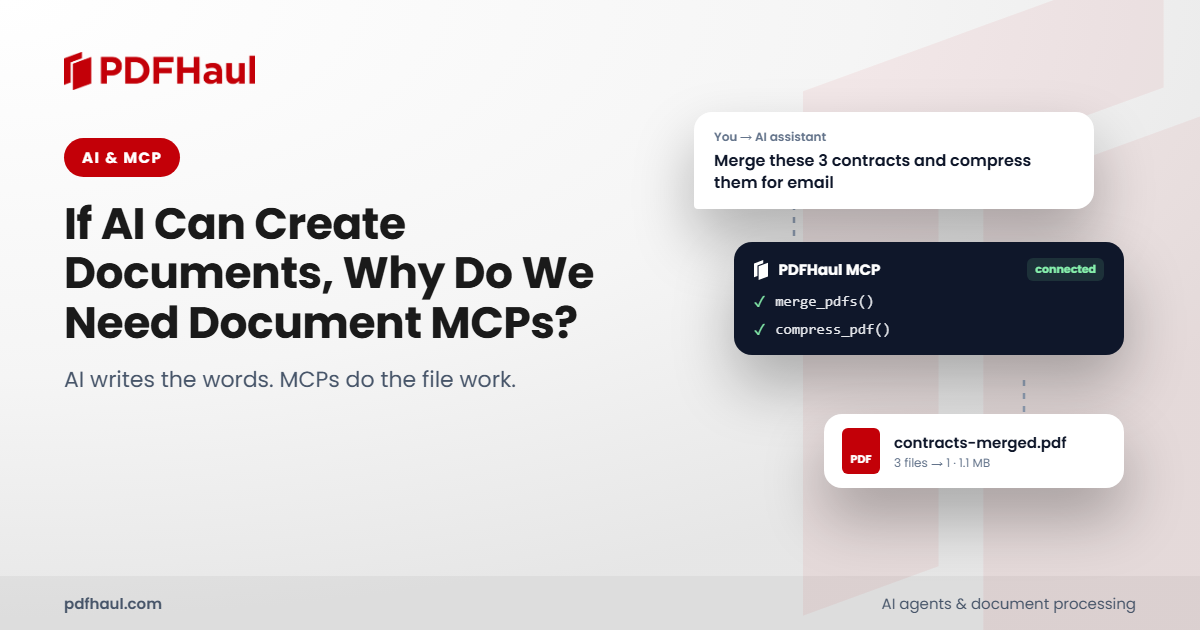
Short answer: AI assistants can already write reports and generate files, so a document MCP server is not for creating a one-off document. It is for repeated work on existing files, such as extracting tables, combining attachments and reviewing duplicate pages, where a defined set of operations and an explicit review step make the result easier to check.
AI already has document capabilities
It would be misleading to argue that AI assistants cannot create or manipulate files.
An assistant with code execution can write a script, use an installed library and return a generated document. Anthropic's documentation, for example, describes file processing and the retrieval of files produced through Claude's code-execution environment.
Modern multimodal models can also interpret PDF text, charts, images and tables. A scanned page is not necessarily unreadable simply because it lacks selectable text. Claude explicitly supports visual PDF processing, although recognition and interpretation still have limitations.
The question is therefore practical: when should an assistant use its existing execution environment, and when should it call a dedicated document service?
What MCP adds
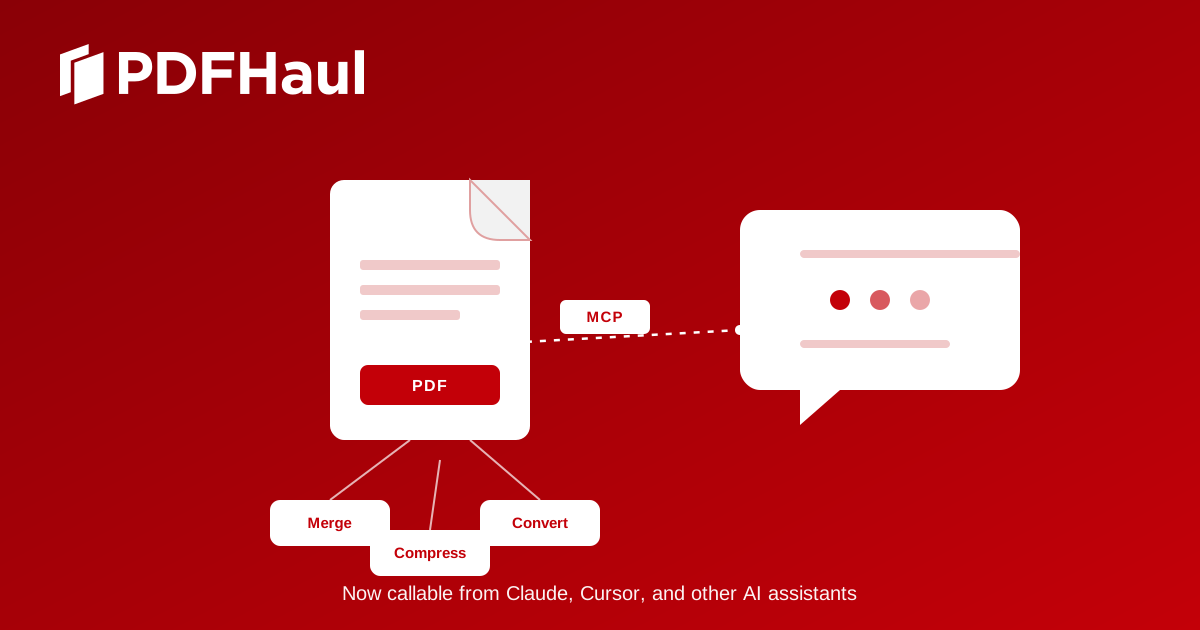
The Model Context Protocol provides a standardized interface through which compatible applications can discover and call tools. Those tools can run locally or on a remote server.
The model proposes an operation, the application coordinates the call, and the server executes its implementation. The result returns to the application for the assistant to use.
This can make an existing document service accessible across compatible clients without building a separate custom integration for each one. MCP standardizes that connection. It does not guarantee accurate extraction, correct tool selection or successful completion.
An assistant might generate a one-off PDF using code. A team handling the same operation repeatedly might instead expose a maintained implementation with documented inputs, outputs and error behavior. Both approaches can be useful.
Four document MCP examples
These projects illustrate different uses of the protocol. Their capabilities come from their published documentation, not from a comparative performance test.
Document MCP | Documented focus |
|---|---|
PDFHaul MCP Server (23 tools) | PDF processing, including merging, splitting, compression, conversion and table extraction |
cyanheads/docgen-mcp-server | Generating PDFs from HTML or Markdown, exporting spreadsheet rows and filling AcroForm PDFs |
gstiebler/pdf-mcp-server | Extracting PDF text, tables and document information using pdfplumber |
Open Document Alliance PDF Tools | Local PDF workflows, including form filling, signatures and page management |
Sources: PDFHaul, docgen-mcp-server, gstiebler/pdf-mcp-server, and Open Document Alliance PDF Tools.
"Document MCP" is a broad category. A server built to generate reports may be a poor substitute for one designed to inspect existing PDFs or fill established forms.
Example 1: Cleaning up a combined PDF
Consider this request:
Merge these PDFs, identify repeated pages, show me what you found, and remove only the copies I approve.
This needs several operations and an explicit review boundary. The PDFHaul sequence is:
Obtain the input files and their identifiers.
Merge them in the requested order.
Run duplicate-page detection.
Present the flagged pages for review.
Delete only the confirmed copies.
Return the cleaned document.
PDFHaul's tool reference separates detection from deletion. The detection operation returns candidate pages and does not change the file. delete_pages performs the removal only after the page numbers are confirmed, and it returns a new file.
What happened when I ran it
I ran this through Claude using the PDFHaul MCP server. The input was PDFHaul's public challenge set, a 19-page PDF with an answer key.
Make two overlapping sources. I split the challenge set into pages 1 to 10 and pages 8 to 19, so pages 8, 9 and 10 exist in both files, as they would when two exports of the same report are combined.
Merge. The two files merged into one 22-page PDF.
Detect. The detection call flagged 10 of the 22 pages and changed nothing:
Flagged page | Duplicate of | Match type |
|---|---|---|
2, 3 | 1 | content |
6 | 5 | content |
9, 10 | 8 | content |
11, 12, 13 | 8, 9, 10 | exact (the overlap I created) |
16, 17 | 15 | exact (blank pages) |
Review. I treated the two match types differently. Exact matches are byte-for-byte copies, so I confirmed them. Content matches are pages that look the same but were produced differently (different generators, recompressed images, shifted or rotated text), so I held them for a human decision.
Delete. I called
delete_pagesfor pages 11, 12, 13, 16 and 17. It returned a new 17-page file and left the 22-page original untouched.Check. I ran detection on the cleaned file. It flagged only the five content-match pages (2, 3, 6, 9, 10), which I had held back on purpose.
Two things did not happen, and both match what PDFHaul publishes. The two simulated rescan pages (pages 20 and 21 of the merged file) were not flagged, because noisy rescans are a known gap. And the near-identical invoice pages, which differ only in an invoice number and a small amount, were correctly left alone. Every flagged page agreed with the answer key.
That does not make every detection correct on your files. The results above come from a test set PDFHaul built itself, and PDFHaul reports them. The Duplicate Detection Challenge page has the full methodology so you can run the same file through any tool.
Example 2: Extracting a table for further work
A user might ask:
Extract the figures from this PDF table so I can analyze them.
There are several possible outputs: text in the conversation, structured rows, or a downloadable spreadsheet. The choice matters. A table returned as text may be enough for a short calculation. A workbook is more useful when someone needs to filter, reconcile or share the data.
The gstiebler PDF server documents text extraction, table extraction and document-information tools. PDFHaul separately documents table-only spreadsheet extraction and full-document PDF-to-Excel conversion. These are different interfaces with different outputs, so the assistant should choose according to the result you asked for.
What happened when I ran it
I ran PDFHaul's table-only extraction on a public sample PDF with two tables (samplelib's sample-table.pdf) and compared the workbook with the source cell by cell.
It went well. The workbook had one sheet per table, with the right headers. All 16 data rows matched the source. The ID, value and money columns were stored as numbers, and the dollar formatting was kept, so the figures can be summed straight away.
This is an easy file: two ruled tables with a single header row. It shows the workflow works end to end, not that every table will extract cleanly. Layouts with grouped headers, merged cells or tables that run across pages are harder for any extractor, and the only way to know is to check the output against the source.
Try it on your own tables. Take the most awkward table PDF you have, run it through any extraction tool you are evaluating, and compare the spreadsheet with the page before you trust it. To try PDFHaul on it, see the MCP server page. I would like to hear what it gets right and wrong.
When a document MCP is worth adding
A dedicated server is worth evaluating when:
The same operation is needed repeatedly.
Several compatible assistants need access to the same implementation.
The workflow depends on an existing service or account.
Explicit inputs, outputs and review steps make the work easier to inspect.
For a one-off document that an assistant can already create correctly, another server may offer little benefit. A well-maintained script, CLI or direct API integration can also be the right choice.
What MCP does not solve automatically
Connecting a server does not make the resulting document correct.
Compression may fail to reach a requested size. OCR may misread a digit. Table extraction may shift a value into the wrong column. An assistant may select the wrong file or propose an unwanted deletion.
Those problems call for output checks, suitable permissions and human review where the consequences justify it.
AI's ability to create documents does not remove the need for document tools. It makes the choice of tools more important. MCP gives a common way to connect those tools, and the quality of the implementation and the surrounding workflow decide how useful they are.
References
Peter
Founder of PDFHaul and Bultech
Building tools that make working with documents faster and simpler.