
Convert Excel to PDF Online
Turn any Excel spreadsheet into a shareable PDF. Tables, charts, and cell formatting are preserved across all sheets. No software to install, no account required, and no files stored after you're done.

Drop your Excel file here
or click to browse
 Select Excel file
Up to 50 MB
How to Convert Excel to PDF
- 1
Upload your Excel file
Click the upload area or drag and drop your .xls or .xlsx file. Files up to 50MB are supported.
- 2
Convert to PDF
Click Convert to PDF. All sheets, tables, charts, and formatting are preserved in the output.
- 3
Download your PDF
Download your PDF and share or print with confidence. No watermarks, no Excel required to view.
Why use PDFHaul
to convert Excel to PDF?
Tables and charts preserved
Cell formatting, borders, fonts, charts, and conditional formatting all come through accurately. The PDF looks identical to the spreadsheet in Excel.
All sheets included
All visible sheets in the workbook are converted and included in the PDF output. No need to export sheets individually.
Files deleted in 2 hours
Your documents are automatically purged from our servers within 2 hours. Not stored, not analysed, not sold.
No watermarks, ever
Your converted PDF is clean. No branding, no watermarks, no trial stamps on your data.
Who converts
Excel to PDF?
Converting Excel to PDF makes data shareable, printable, and tamper-proof without anyone needing Excel installed.
01
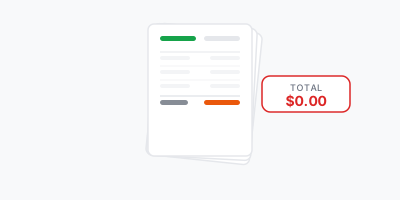
Sharing financial reports
Send income statements, budget summaries, and financial reports as PDF. Recipients see the exact data without formula visibility or accidental edits.
02
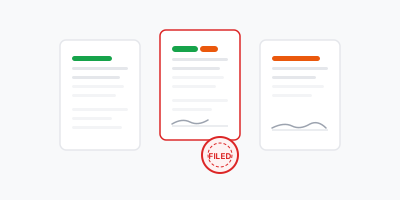
Submitting forms and data
Government portals, client systems, and submission platforms often require PDF format. Convert your spreadsheet in one click to meet upload requirements.

03
Printing data and tables
Print-optimised PDFs from your spreadsheet avoid the common Excel printing headaches — columns cut off, pages misaligned, or headers not repeating correctly.

04
Archiving data snapshots
Archive a point-in-time snapshot of your data as PDF so it remains readable independently of the Excel version or file format changes over time.
Frequently asked questions
Everything you need to know about converting Excel spreadsheets to PDF
More PDF tools
Continue working with your PDF using other PDFHaul tools.