
Convert Word to PDF Online
Turn any Word document into a universally shareable PDF. Fonts, formatting, images, and layout are preserved exactly as they appear in your document. No software to install, no account required, and no files stored after you're done.

Drop your Word document here
or click to browse
 Select Word document
Up to 50 MB
How to Convert Word to PDF
- 1
Upload your Word document
Click the upload area or drag and drop your .doc or .docx file. Documents up to 50MB are supported.
- 2
Convert to PDF
Click Convert to PDF. Fonts, formatting, tables, and images are preserved exactly as in the original.
- 3
Download your PDF
Download your PDF and share it with confidence. No watermarks, no formatting surprises across devices.
Why use PDFHaul
to convert Word to PDF?
Formatting preserved exactly
Fonts, headings, paragraph spacing, tables, images, headers, and footers all come through faithfully. The PDF looks identical to the document on screen.
Universally viewable
PDF is the universal document format. Once converted, your document looks the same on every device and OS — no fonts missing, no layout shifts.
Files deleted in 2 hours
Your documents are automatically purged from our servers within 2 hours. Not stored, not analysed, not sold.
No watermarks, ever
Your converted PDF is clean. No branding, no watermarks, no trial stamps on your document.
Who converts
Word to PDF?
Converting to PDF locks your formatting and makes documents safe to share without losing the original look.
01
Sending contracts and agreements
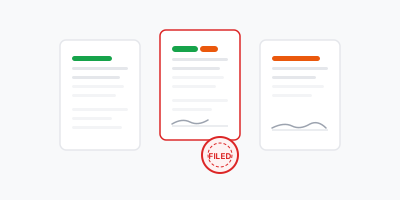
Legal documents and contracts sent as Word files can be edited by the recipient. Converting to PDF before sending locks the content and ensures everyone reads the same version.

02
Submitting applications and forms
Job applications, university submissions, and government forms often require PDF format. Convert from Word in one click to meet submission requirements.
03
Archiving documents
Word files are version-dependent and can look different across Office versions. Archiving as PDF ensures the document is readable and looks correct in ten years.

04
Sharing reports and proposals
Reports and proposals distributed as Word files invite accidental edits. Share as PDF to keep the document intact and professional.
Frequently asked questions
Everything you need to know about converting Word documents to PDF
More PDF tools
Continue working with your PDF using other PDFHaul tools.