PDFHaul for Chrome
Open any PDF in PDFHaul instantly
Click a PDF link or open a file from your computer and it opens in a fast viewer, with the tools you need one click away. Merge, compress, convert, remove duplicate pages and more.
Add to Browser, it's freeWorks on Chrome and Edge. No account needed to view PDFs.
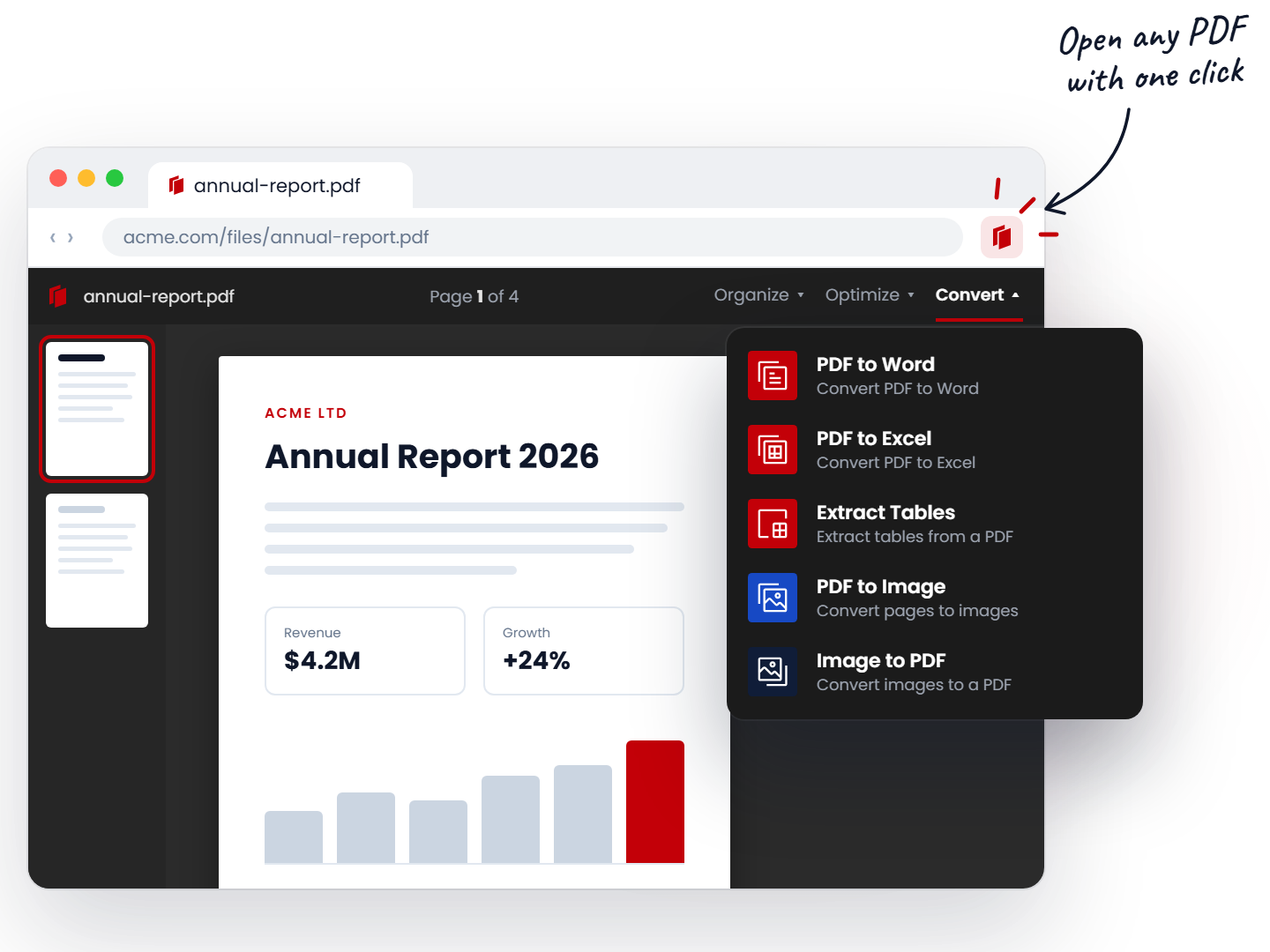
Opens PDFs for you
Click any PDF link, or open a file from your computer, and it opens in the PDFHaul viewer. No saving and re-uploading.
Tools one click away
23 PDF tools sit in the extension menu, so a merge or a compress is one more click, not a new tab and a search.
Clear about your files
Files are processed on our servers to run the tool you chose, then deleted after 2 hours. The privacy policy explains exactly what we keep.
Read the privacy policy →How it works
Start in under a minute.
 1
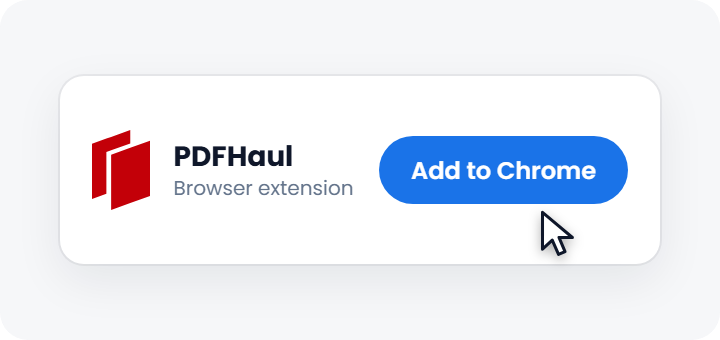
1Add the extension
Install PDFHaul from the Chrome Web Store.
 2
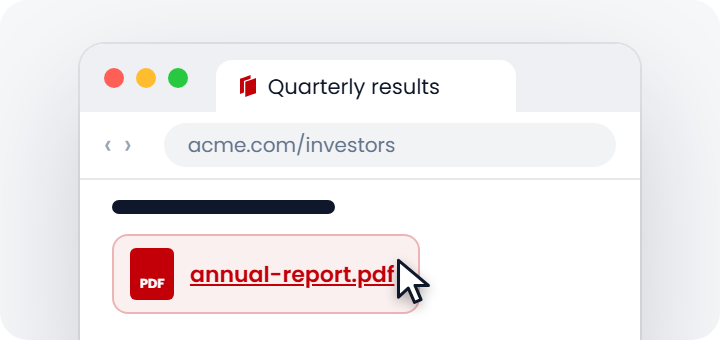
2Open any PDF
Click a PDF link or open a local file. It opens in PDFHaul.
 3
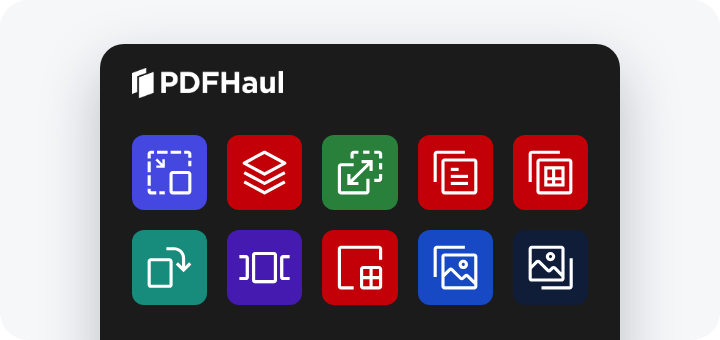
3Pick a tool
Merge, split, compress, convert or clean up, right from the viewer.
Remove duplicate pages in one click
Merged the same report twice? PDFHaul finds repeated pages and removes them. We tested the detector against a published 19-page challenge set, and we show where it still misses.

Your files, handled clearly
Your files are used to run the tool you chose, then deleted after 2 hours. We keep a small history of what you did (the tool you used and when) so you can see it in your dashboard.
See the privacy policy for the full detail →Frequently asked questions
Everything you need to know about PDFHaul for Chrome
Get PDFHaul for Chrome/Edge
Open, convert and organize PDFs without leaving your browser.